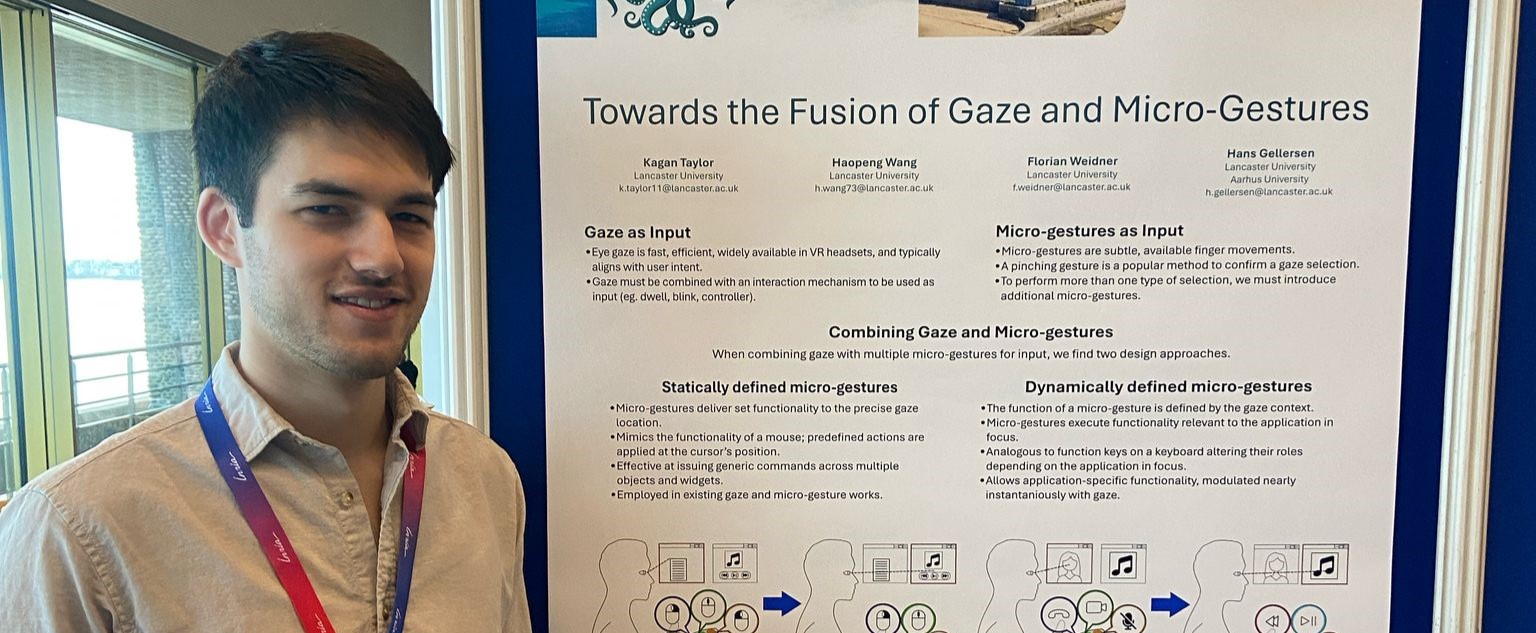
IEEE VR 2025 Poster Presentation
12th March 2025
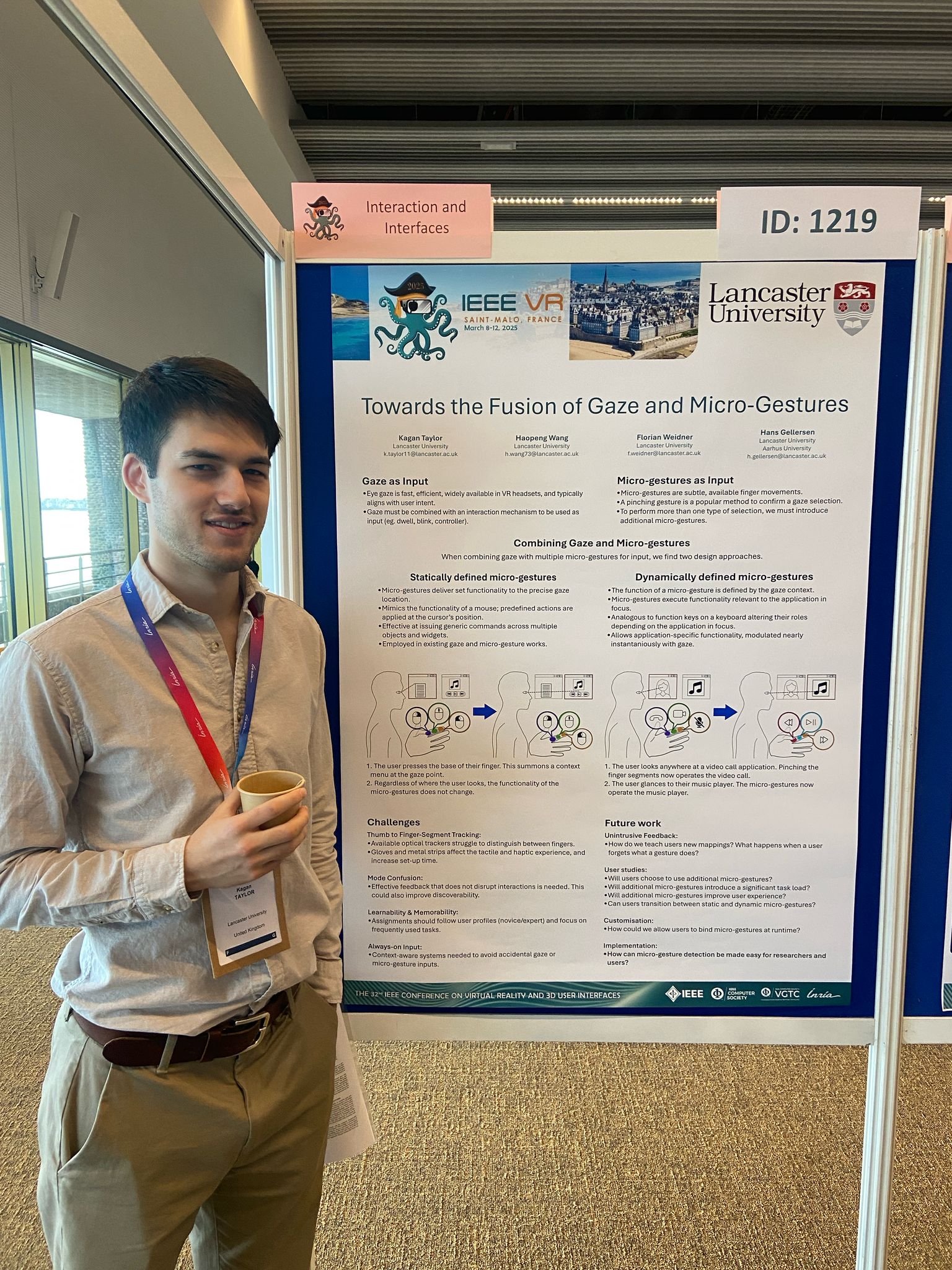
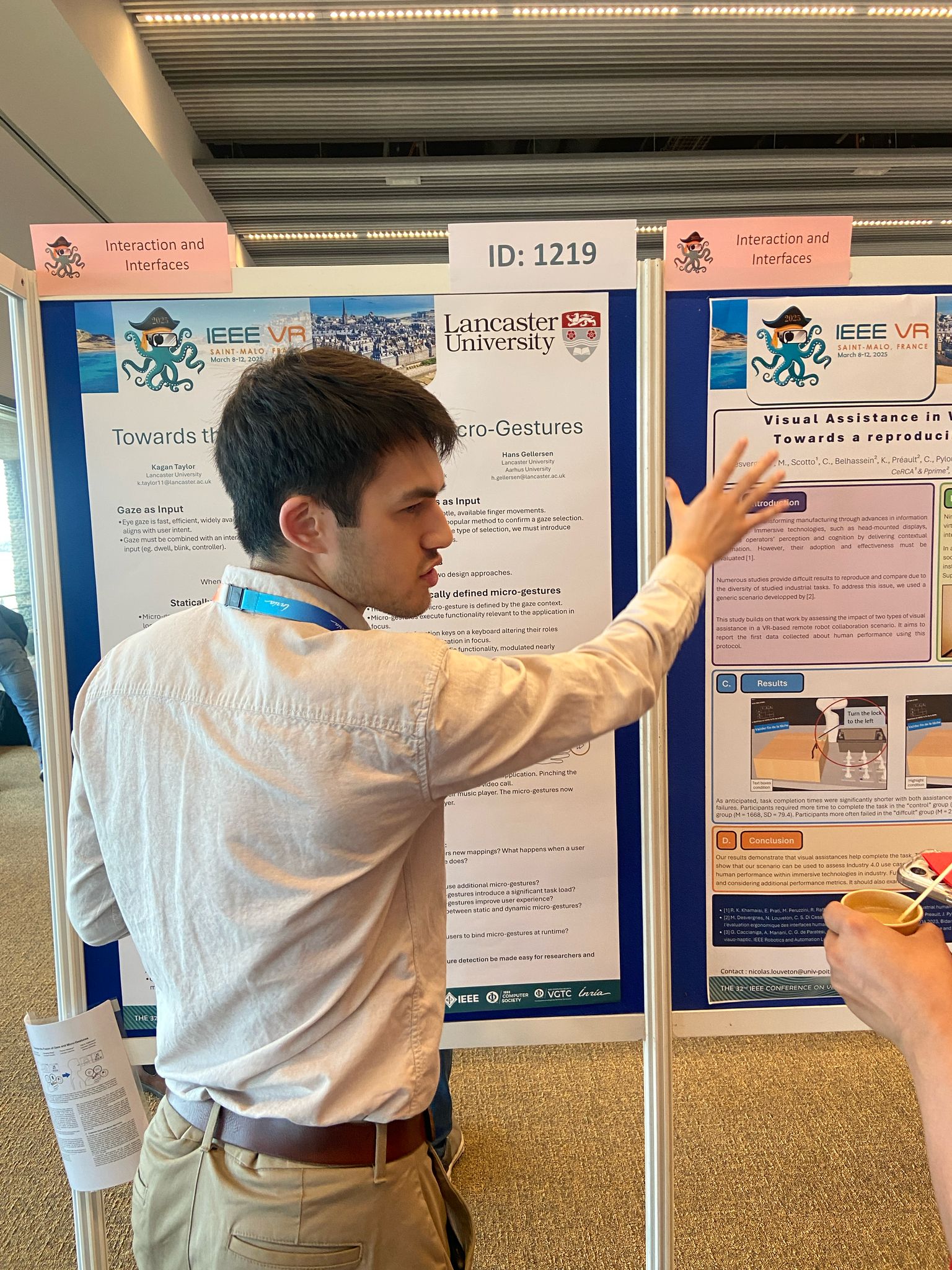
This March I had the great pleasure of presenting our poster on the fusion of gaze and micro-gestures at IEEE VR in St.Malo.
This poster aims to spark discussion on the combination of expressive micro-gestures with gaze-context, while raising the open questions on user acceptance, capability, and tracking limitations.
In this post I give a bullet overview of what's possible with gaze and micro-gestures, then cover the main topics and points of discussion from the conference.
The Apple Vision Pro has brought the Gaze + Pinch technique to the public space.
Here users pinch their thumb to their fingertip to select what is being looked at.
To perform other commands, such as copy and paste, a long-press is often required.
Building off of a wealth of existing micro-gesture research, we can extend the gaze + pinch technique.
By allowing additional pinches to the other segments of the finger we can now support a full 3 button mouse,
with a pinch to the index fingertip representing left-click, pinching the middle segment as a middle-click and pinching the right segment as a right-click.
A sliding gesture on the middle finger could support the scroll-wheel.
Leveraging the wider gaze context can take this concept a step further.
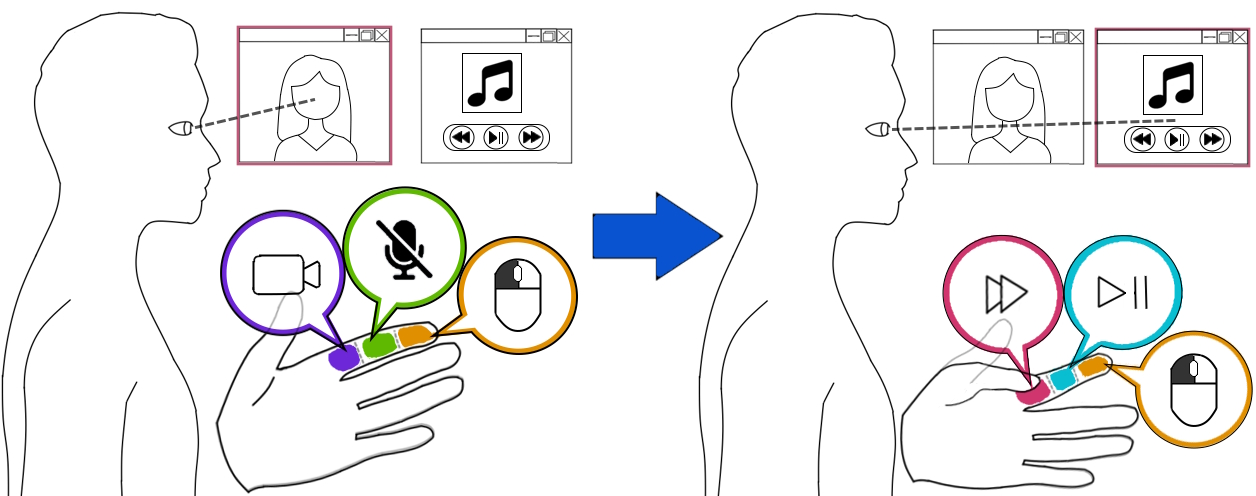
We can change the function of each micro-gesture depending on the application at the gaze point to offer application-specific functionality.
This supports some interesting interactions.
For example, imagine a user in a multi-window scenario.
They have a window open that is playing music and partially hidden by a window in front of it.
Normally, to pause the music, the user would need to select the player (bringing it to the foreground),
select pause, then send the music player to the background to resume their task.
By placing application shortcuts on the finger, the user can now simply look at the partially obscured music player and pinch the finger segment that represents pause.
This assumes the user has learnt and remembered this shortcut prior to the interaction.
The most discussed topic at the conference was about feedback and learnability;
how do users discover what the different pinches do?
We have considered three options.
We could place icons on the finger segments, allowing users to glance at their hand to learn/if they forget a mapping.
We have tested this and generally this works well for most cases, except when the gaze passes through a different target when the user looks towards their hand.
In this case the user will need to perform hand-eye alignment to read the feedback.
Alternatively we could show feedback on the gaze target. This could be highlighted UI icons to show their relationship to the different micro-gestures,
or an image of the hand with icons somewhere on the target.
This has potential to disrupt the visual design of applications, and we believe the visual clutter may take away from the convenient experience we hope to offer with gaze and micro-gestures.
Finally, we could offer no feedback at all; users remember a large number of gestures across a wide number of contexts and may be able to learn micro-gesture mappings without the need for visual guidance.
We expect that users will not remember all mappings if given no visual feedback, but that they will remember the most commonly used mappings,
and mappings that borrow from layouts used in contexts the user is already familiar with, such as skip backwards, play/pause, skip forwards.
The next most commonly discussed topic was of hand tracking quality.
Reliable micro-gesture tracking remains difficult, despite a number of academic publications.
Optical tracking offers the most convenience, but suffers with occlusion issues that are prevelent in thumb-to-finger micro-gestures.
Commodity optical trackers are often trained to detect thumb-to-finger gestures to the index finger only, and in my experience struggle greatly when touching the thumb anywhere else.
We use the MANUS Quantum Metaglove to for reliable detection, but the absolute tracking of fingers is shockingly poor;
touching the thumb to the tip of the pinky finger leaves a gap of often over three centimetres in our testing.
We are considering using a hardware solution, but gloves and conductive strips of metal are not user-friendly solutions.
This emphasises the importance of open-source projects, and developing to produce toolkits that support the research community, not only a user study.
Currently our next steps in this project are to explore and focus on user experience with gaze and micro-gestures;
if we offer shortcuts to users, do they like and use them?
This reminds me of Apple's touchbar for Macbooks, which offerred shortcuts for the application in focus.
Even when we offer a faster interaction through shortcuts, users may opt to rely on the consistent and reliable Gaze + Pinch method, avoiding the mental overhead involved with learning mappings and shortcuts.
Whether users engage and use our interaction technique currently stands as our next focus.
If you have any ideas or thoughts about this post, please feel free to reach out by email; I am always more than happy to discuss this further. Email
You can find the our extended abstract here: Extended Abstract
Photos